How it works
One person makes the poll. Everyone else just taps a link. About a minute, start to finish.
You
1.Propose some times
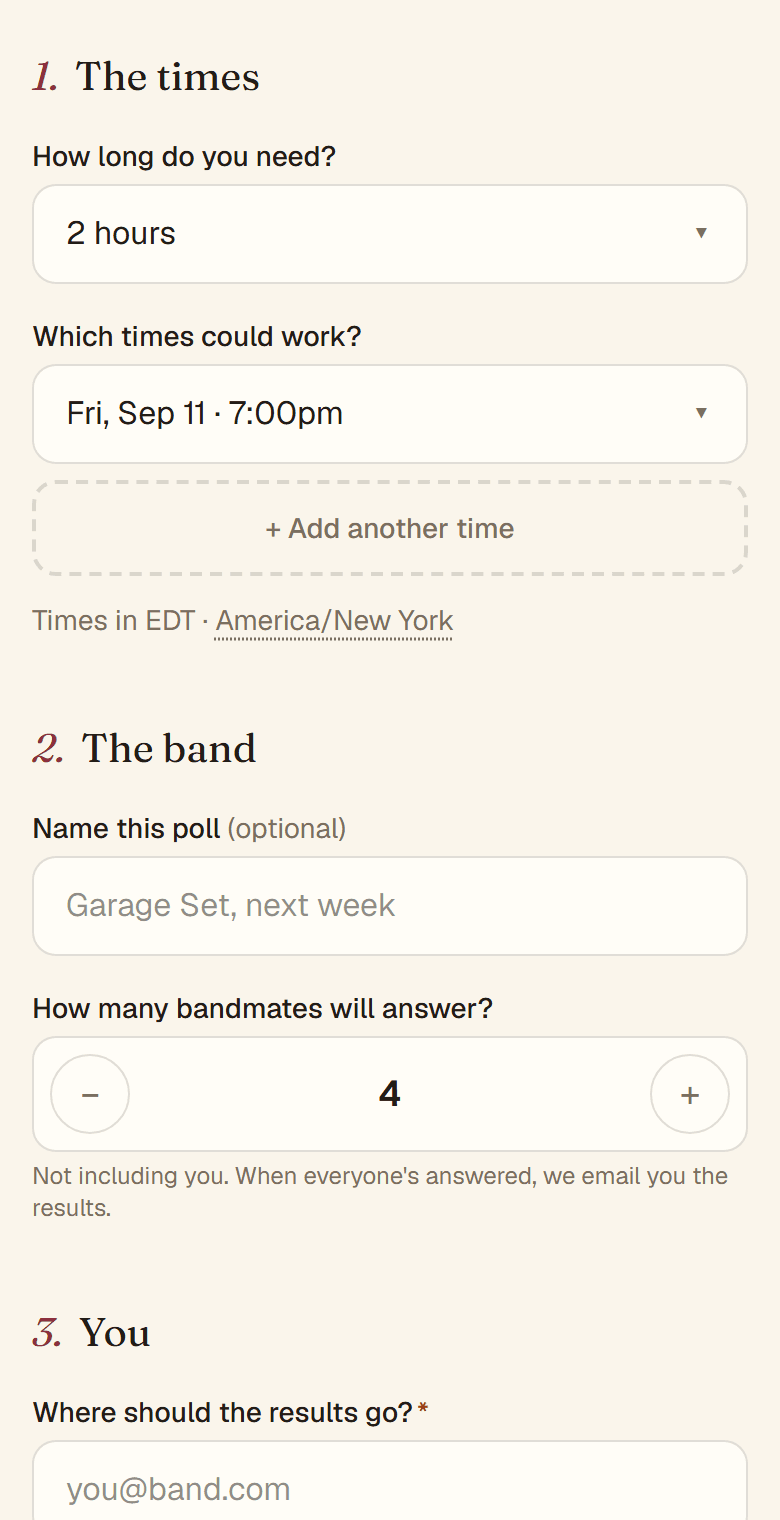
Choose how long rehearsal runs, add the times that could work, and enter your email. A time can be exact (“Tue 7pm”) or loose (“Saturday afternoon”). Tap Get my share link.
You
2.Send the link to the band
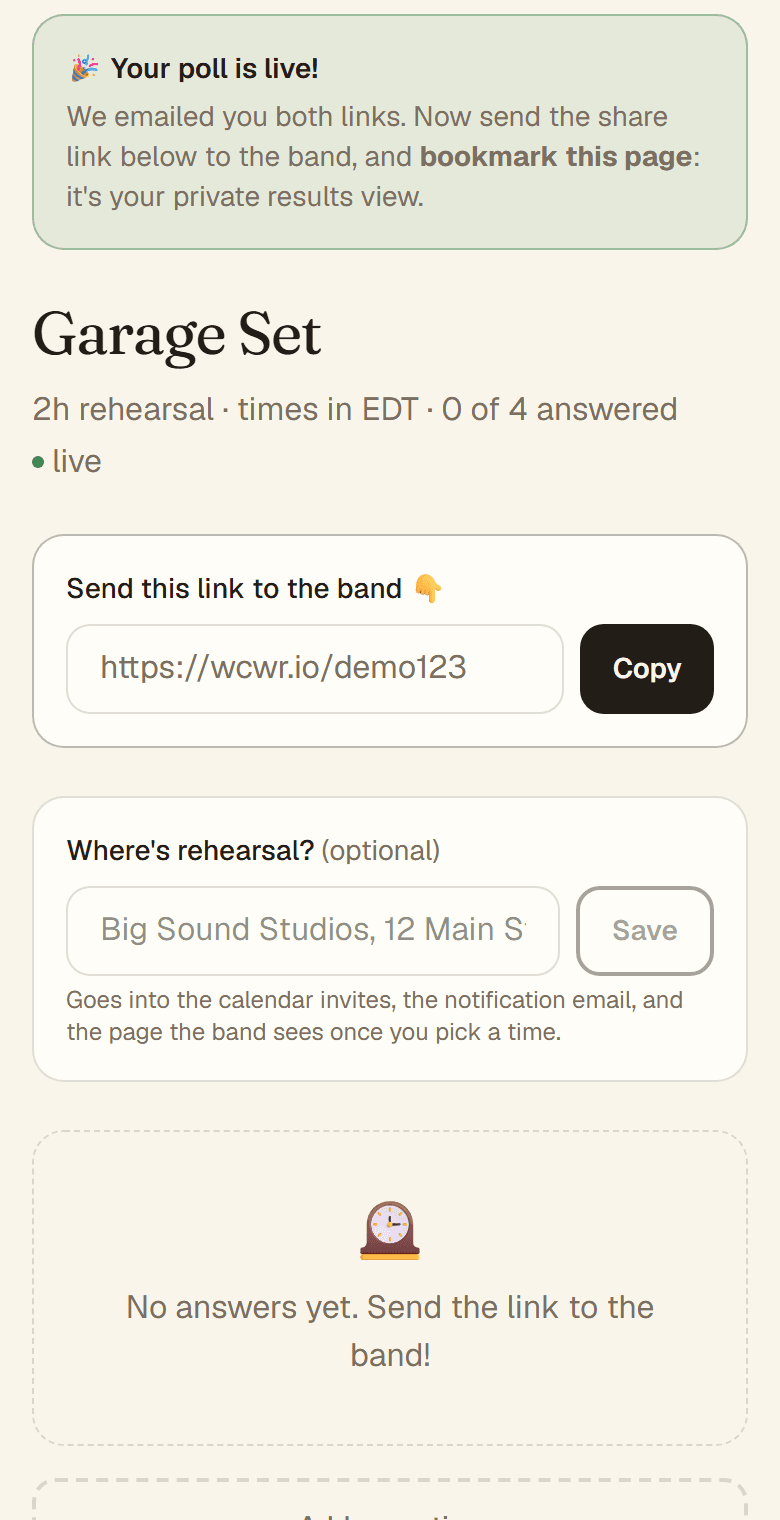
You land on your private results page. Copy the share link and paste it into the group chat. We also email you both links: the share link for the band, and the results link for you, so bookmark that email.
The band
3.Everyone taps
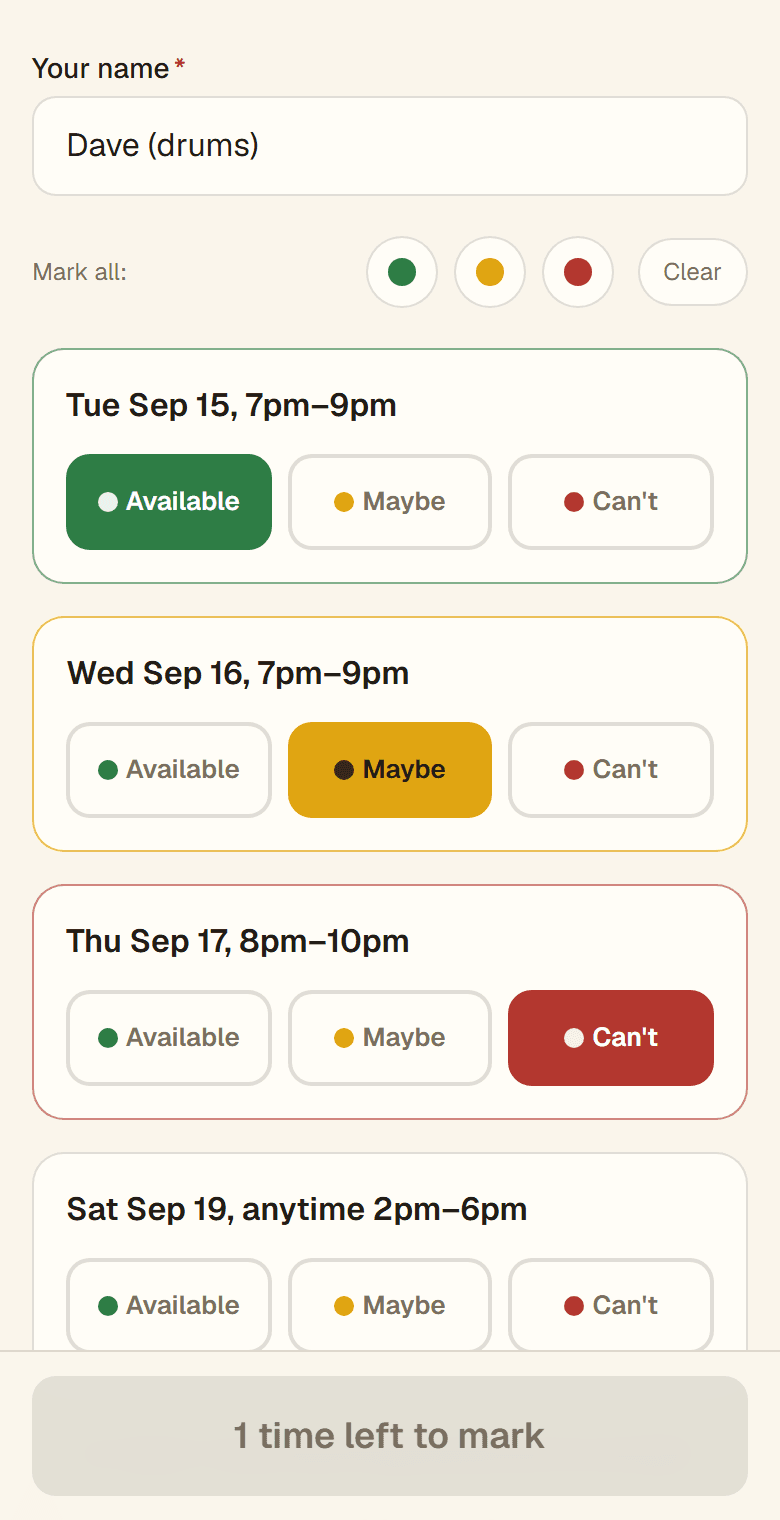
Each bandmate opens the link, types their name, and taps Available, Maybe, or Can't for each time, then sends their answers. No app, no account, no email needed. To change an answer, reopen the link and send again with the same name as the first time.
You
4.Watch the results rank themselves
Your results page updates live: times everyone can make at the top, then times that work with some juggling, then near misses with who can't. When everyone has answered, the ranking lands in your inbox. If nothing works, Add more times to the same poll.
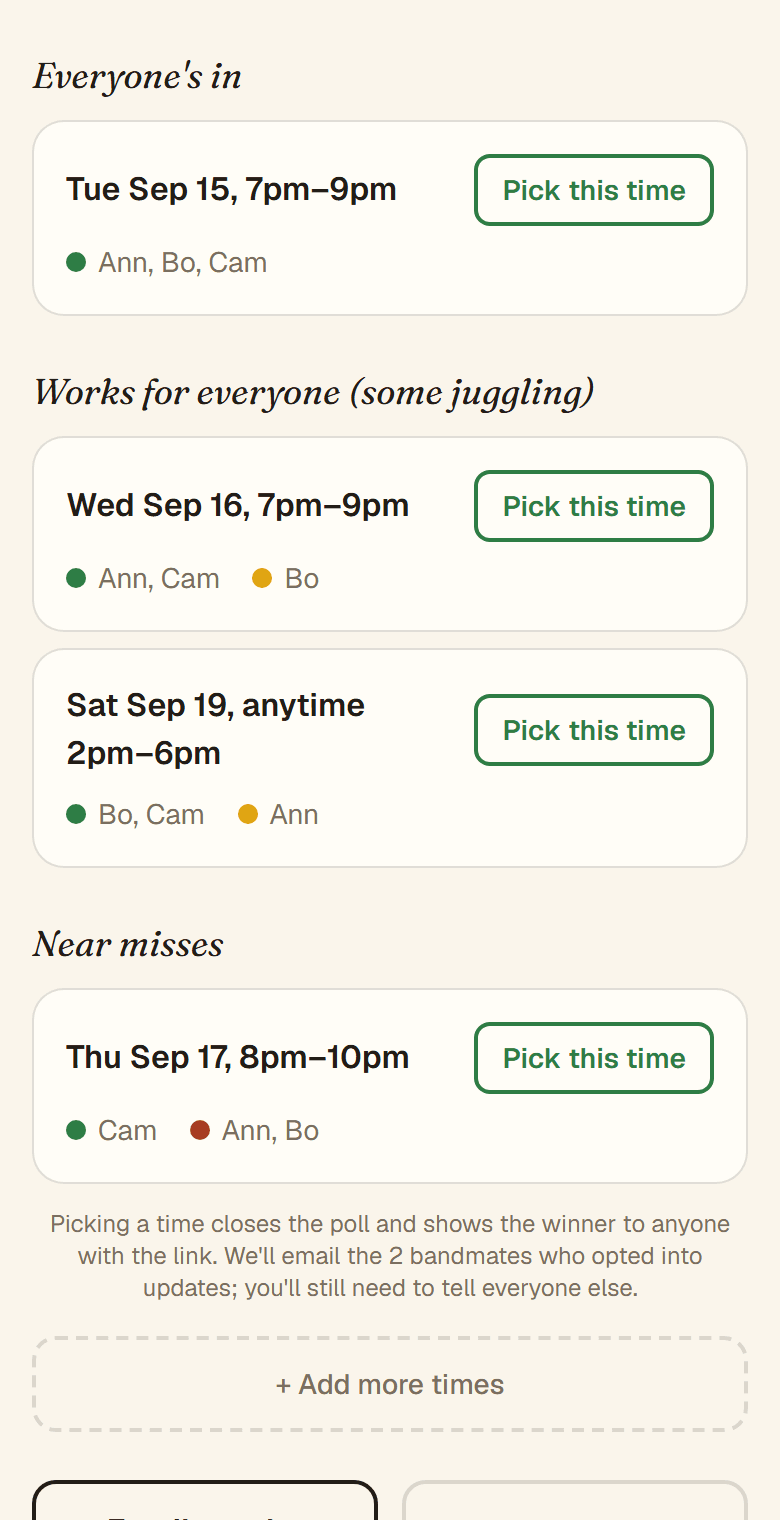
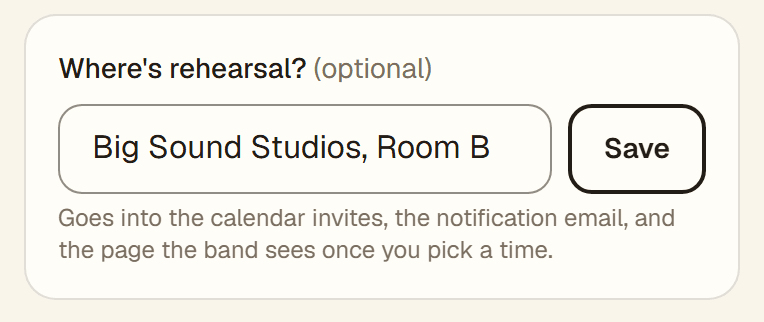
While you wait, add where rehearsal is: the studio, address, or room. It goes onto the calendar invite, the announcement page, and the email to bandmates who opted in, so set it before you pick a time.
You
5.Pick the time
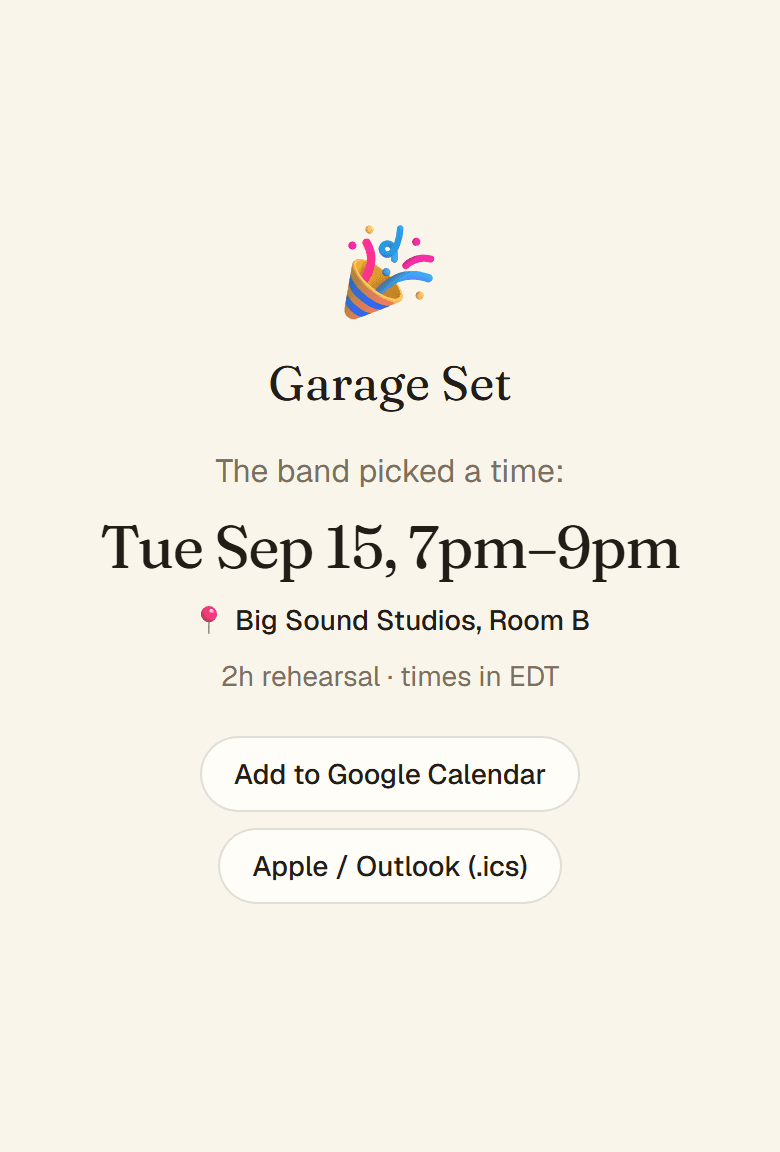
Tap Pick this time. The share link turns into the announcement: the chosen time, the location, and add-to-calendar buttons for everyone. Tell the band in the chat; bandmates who left an email get it automatically.
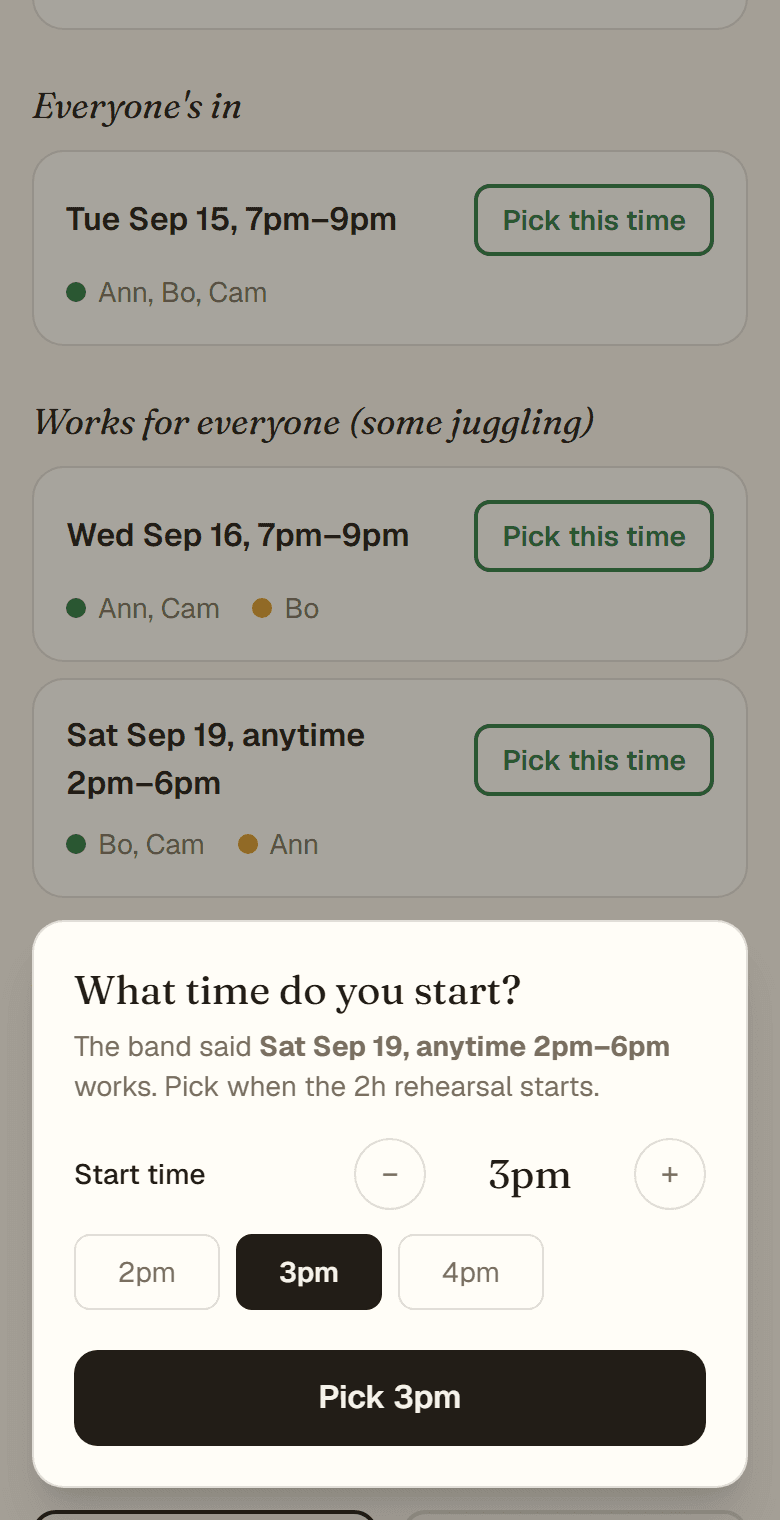
Picked a loose window like “Saturday afternoon”? You'll be asked what time rehearsal starts. Tap an hour or nudge it in 15-minute steps; only starts that fit inside the window are offered. The band sees the exact time.
Free · no accounts · under a minute
Common questions
- Two links? Which one do I send?
- Send the share link (wcwr.io/…). Keep the results link (…/a/…) to yourself: anyone with it can see every answer and close the poll.
- Do my bandmates need to install anything?
- No. The share link opens in any browser. They type a name and tap.
- I lost my results link.
- It's in the email we sent when you created the poll, from hello@wcwr.io. Search your inbox (and spam) for your poll's name.
- Someone wants to change their answer.
- They open the same share link, use the same name, and send again. The new answers replace the old ones.
- Two people in my band have the same name.
- Answers are keyed on the name, so a second “Sam” would overwrite the first. Have them tell themselves apart: “Sam K” and “Sam R”, or “Sam (drums)” and “Sam (bass)”.
- Does picking a time tell the band?
- Only bandmates who added their email when answering get a message. Everyone else finds out when you tell them, or when they open the share link again.
- What about time zones?
- Times are shown exactly as you typed them, labelled with your zone. Bands are local; nothing is converted.
- How long does a poll last?
- Polls expire after 90 days and are deleted soon after. If the band needs longer, make a new one.
Still stuck? Write to hello@wcwr.io.